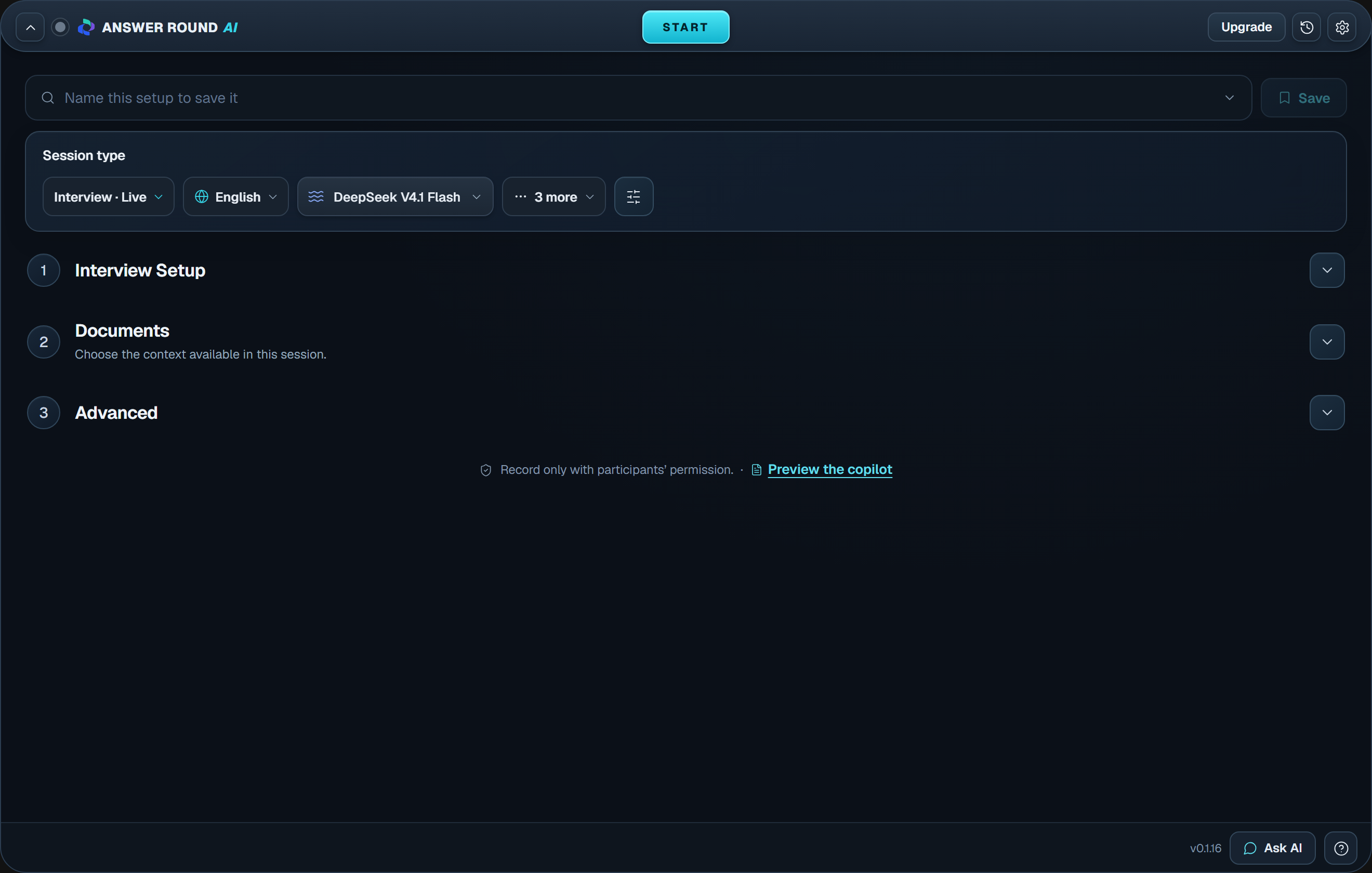
Choose a platform to see how to use audio or screen context. Capture support depends on your setup. Try a practice session first.
THINK CLEARLY. KEEP TALKING.
Everything you need, mid-conversation.
Code, speech, and answers, handled while the call is still happening.
Programming
Full coding support.
Work through technical questions with a clear approach, code, and complexity analysis. Use screen context for a problem in front of you, and ask follow-up questions as you go.
deflongest_unique(s):
seen, start, best = {}, 0, 0
for i, ch in enumerate(s):
if ch in seen and seen[ch] >= start:
start = seen[ch] + 1
seen[ch] = i
best = max(best, i - start + 1)
return best
O(n) timeExplain the approachDiscuss edge cases
Speech recognition
“Walk me through your approach…” Live transcription
Keep up with every question.
Follow the conversation with streaming transcription. Listen to your microphone, system audio, or both.
Paid through Cashfree. Your plan is live in the app as soon as payment clears.
Introductory pricing through 31 December 2026; the struck-through prices are the regular prices charged after that date. Full refund within 7 days on any interview you haven't started. Prices include GST where applicable. Compare all plan details
Top modelsFrom OpenAI, Anthropic, Google, DeepSeek and xAI
Yes. Pick the Coding scenario and answers come back shaped for technical reasoning rather than behavioural storytelling. For a question written on screen rather than spoken, Ctrl + Shift + H sends a screenshot and answers what it shows.
What audio does it listen to?
Choose microphone, system audio, or both. The Windows app captures the audio playing through your default output device. In the browser preview, choose a screen or tab that supports audio and enable Share audio.
Which languages does it handle?
English, Hindi, Spanish, French, German, Portuguese, Italian, Dutch, Russian and Japanese, plus a multilingual mode that follows whichever language each question arrives in.
Can I give it standing instructions?
Yes. On the Custom Prompt tab you can add instructions that apply to every answer in the session, for example "keep answers under 60 seconds", "use STAR format", or "mention my fintech work". Save it as a preset and it comes back for the next round.
Is there a Mac version?
Not yet. Windows 10 or 11, 64-bit only. The browser preview runs anywhere for trying it out, but live system-audio capture needs the Windows desktop app.
Which AI model does it use?
Whichever you choose. The picker lists models from several providers. You can switch mid-session; a running answer finishes on the model it started with.
Where is my data stored?
Your resume text, job context, preferences, transcripts and generated answers are stored locally on your machine, in the app. Sessions export as JSON and you delete them yourself. During a live session audio is sent to Deepgram for transcription, and the question plus recent answers are sent to the AI provider you selected.
Are my API keys saved anywhere?
No. If you bring your own provider key, it stays in memory and is cleared when the app reloads or closes. It is never written to disk and never sent to us.
Do you keep recordings of my interviews?
We do not store audio. Transcripts live on your machine in session history, where you can read them back, export them, or delete them.
Do I pay in the app or on this site?
On this site, at Pricing. The app reads your plan from your account, so there is nothing to enter twice and no card details in the app at all.
What counts as one interview?
One session of up to 90 minutes, with a warning at 80. It can be resumed within 10 minutes if the app or your machine crashes, and unused interviews never expire, so buying ahead of a round is safe.
What happens when the premium allowance runs out?
On an Unlimited plan you get 15 weighted premium-model hours a month. Sonnet, GPT-5.6, Grok and Kimi count double, Opus counts quadruple. Once it is used, answers keep coming on Gemini Flash until the next billing cycle. Nothing stops working.
Can I get a refund?
Yes. Unused interviews are refunded in full if you ask within 7 days of purchase. On the 3 Interviews pack, any interview you have not started is refunded at ₹833 each within 7 days. Unlimited plans are refunded in full within 3 days if you have started no more than one interview. If Answer Round AI fails during a session because of a fault on our side, we restore or refund that interview. See refunds and cancellation, or email support from your sign-in email.
YOUR NEXT CHAPTER IS CALLING
Walk in prepared. Show up as yourself.
Great experience deserves the right words. Let's find yours.
Try for free
No card required · Available for Windows